If your staff clocking in app offline simply refuses to record, you don't have a discipline problem. You have a software problem wearing a discipline costume. One three-site operator we looked at found 44% of rostered shifts had no clock-in at all, and 17% of the clock-ins that did land never got a matching clock-out. The first assumption was that the team couldn't be bothered. The real cause was an app sitting there waiting for a signal that was never coming.
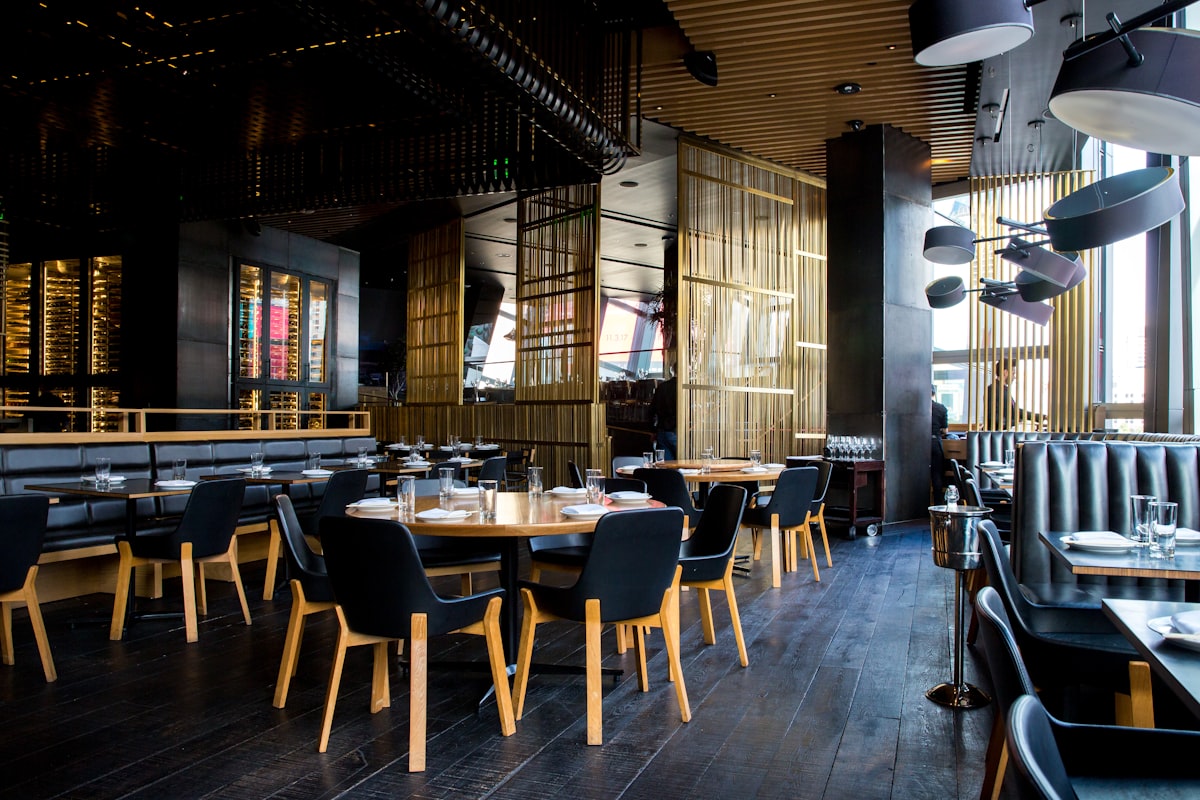
That pattern is depressingly common in UK pubs and restaurants. The clock-in point is usually in the worst possible spot for connectivity: a cellar corridor, a basement bar, a back-of-house corner behind a metre of Victorian brick, or a kitchen pass where the guest wifi has been ring-fenced so tightly that staff devices can't touch it. Mobile data drops to one bar and stays there. The app spins, times out, and the member of staff shrugs and starts work anyway, because there are forty covers on the book and nobody is going to stand in a stairwell refreshing a screen.
The fix is not more nagging. It's an app that writes the record locally the instant someone taps, then syncs it when a connection comes back, and a server that stamps when that record actually arrived so managers can tell the difference between a late sync and a missing clock-in. This piece walks through how that works, how to set it up, and how to read the resulting data without losing an hour a week to detective work.
First, prove it's the signal and not the staff
Before you change anything, get the evidence. Pull three months of clock data and put it next to the published rota. You are looking for clustering, because human behaviour and technical failure look completely different on a chart.
If the missing clock-ins are down to staff forgetting, they'll be scattered. A bit of everyone, worse on Sunday mornings, worse among new starters. If it's connectivity, the gaps bunch up hard around specific sites, specific terminals and specific times. In the three-site case, the 44% was not spread evenly at all. One site accounted for the bulk of it, and within that site the failures concentrated on shifts that started at the basement bar and on the kitchen team who clocked in near the walk-in. The 17% with no clock-out was worse at close, when the last person out was standing in a dark building with the router already switched off at the isolator.
Two more checks worth running. First, walk the building with a phone and note where data actually dies, at cellar level, in the beer store, at the goods-in door. Second, ask the team directly, without any hint of blame. You'll usually get the same sentence back: "it doesn't work down there, so I just tell the duty manager." That's your answer. An offline time clock that only works online isn't a time clock, it's a suggestion.
Record at the tap, sync later: how an offline time clock should behave
The design principle is simple. The tap is the event. The network is just transport. Those two things should never be tied together.
When someone presses "clock in", a properly built app writes the record straight to local storage on the device. No spinner, no request to a server, no waiting. The person sees a confirmation in under a second and goes to work. In the background, the app keeps a queue of unsent records and retries whenever a connection appears, whether that's mobile data coming back at the top of the stairs or the staff wifi reconnecting when someone walks through the bar.
What the device needs to store
Each queued record should carry the person, the site, the action (in, out, break start, break end), and the device-side timestamp of the tap. It also helps to store the device's clock offset at the moment of the tap, because that's what lets the server sanity-check the time later. If the device is using a monotonic timer as well as wall-clock time, you can detect someone winding the phone clock back to cover a late start.
What happens when the queue clears
When the connection returns, the app uploads the queue in order and the server writes two timestamps against every record: the event time, meaning when the tap happened, and the received time, meaning when the record actually arrived. That second stamp is the part most systems skip, and skipping it is why managers end up chasing ghosts. Clock-in data covering staff clock in no signal situations is only trustworthy when you can see both halves of the story.
Why the server should stamp when the record arrived
A single timestamp gives you no way to reason about a record. Two timestamps give you an audit trail you can actually defend.
Say a chef taps in at 16:58 in a signal-dead prep area, then the record syncs at 19:20 when they come through the bar. With only one timestamp, you're left guessing which number to trust. With event time 16:58 and received time 19:20, the picture is obvious: the shift started on time and the phone was underground for two and a half hours. Nobody needs to investigate that. Equally, if event time says 16:58 but the device clock was eleven minutes behind the server at the moment of sync, the system can flag the discrepancy instead of silently paying eleven extra minutes.
The server-received stamp also protects you in the other direction. If a record arrives four days later, that's worth a look, because it might mean a device sat switched off, or someone reinstalled the app, or the queue hit a bug. And if you're ever asked to show your working, on a pay query, a grievance, or an HMRC check, "tapped at 16:58, arrived at 19:20, device clock in line with server" is a far stronger answer than a manually typed 17:00.
How to set up a staff clocking in app offline in five steps
This is the sequence that took the three-site operator from 44% missing clock-ins to under 4% in about six weeks.
- Step 1: map the dead zones. Walk every site at the times people actually clock in and out. Mark cellar, basement bar, kitchen pass, beer store, staff room and the fire exit people leave through at close. You're not trying to fix the signal, you're deciding where offline recording has to be bulletproof.
- Step 2: turn on offline recording and test it properly. Put a device in aeroplane mode, clock in, clock a break, clock out, then reconnect and confirm all four records land with the original tap times intact. If anything is lost or rounded to the sync time, stop and fix that before rollout.
- Step 3: move the clock-in point closer to a connection where you can. Offline should be the safety net, not the normal state. A staff wifi access point at the top of the cellar stairs costs less than one week of pay disputes.
- Step 4: brief the team in one sentence. "Tap it even if you've got no bars, the app remembers and sends it later." That's the whole message. The 17% of shifts with no clock-out usually disappears once people stop assuming the tap was pointless.
- Step 5: change what managers look at. Stop reviewing a list of missing clock-ins. Start reviewing exceptions: late syncs, device clock mismatches, records with no pair, and shifts still unmatched at the end of the week.
That last step is the one people skip, and it's the one that saves the most time. If you're already working on attendance more broadly, it pairs well with the tactics in our guide to cutting no-shows and late starts in hospitality, because clean clock data is what tells you whether lateness is real or imaginary.
How a manager reads a synced late flag
Here's the practical difference. Under the old setup, the duty manager opened the timesheet on Monday and saw eleven blanks. Each blank meant a conversation, a WhatsApp scroll, a guess, and a manual entry. Eleven blanks is roughly forty minutes of admin and forty minutes of low-grade friction with the team.
Under record-at-the-tap, those eleven blanks become eleven records with a synced-late flag. The flag says: this was recorded at 16:58 on the device, it reached us at 19:20, the device clock checked out. The manager's job is now to glance at the flag and move on, or to open the handful that genuinely look odd. In the three-site case the weekly exception list dropped from around thirty items to three or four, and the ones that remained were real: a forgotten clock-out, a phone left in a locker all weekend, one device with a clock eight minutes fast.
Set your review rules once and stick to them. A sync delay under a few hours on a site you've already mapped as a dead zone needs no action. A sync delay measured in days needs a check on the device. A device clock mismatch over five minutes gets the record queried before payroll. An unpaired clock-in still open twelve hours after the shift ended gets closed to the rostered end time with a note, not left to inflate someone's hours. You can see how the exception view and approval flow fit together in RotaKeep's rota and time and attendance features.
Worked example: Friday night at a 60-cover gastropub with a basement bar. The rota is 1 head chef, 1 CDP, 2 KP, 3 FOH and 1 bartender on the downstairs bar. The kitchen clock-in point sits by the walk-in, where mobile data is dead and the wifi doesn't reach. The bartender sets up in a basement with zero signal.
16:58 the head chef taps in. No connection, record queued locally. 17:01 both KP tap in, queued. 17:30 the bartender taps in downstairs, queued. All four go to work with a green confirmation on screen.
19:22 the head chef comes up to the pass to speak to the floor and the phone picks up staff wifi. Three queued records upload. The server writes: event 16:58, received 19:22, device clock within 4 seconds of server. Same for the KP taps. 23:40 the bartender comes upstairs to cash up, their phone reconnects, and the 17:30 clock-in lands with a 6 hour 10 minute sync delay.
Saturday morning the GM opens the timesheet. Four synced-late flags, all inside the mapped dead zones, all device clocks clean. Nothing to chase. One genuine exception: a KP who clocked in at 17:01 but never clocked out, because they left through the back door at 23:15. The GM closes it to the rostered 23:15 with a note. Total admin: under two minutes, against the twenty-five it used to take to reconstruct the whole shift from memory.
Time and attendance for pubs: the awkward spots
Some venue layouts will always fight you, and it's worth knowing which ones before you promise the head office a clean dataset.
Basements are the obvious one. A clock in app basement bar setup needs offline recording as the default assumption, not a fallback, because the signal isn't coming back mid-shift. Cellars are similar, with the added joy of metal kegs and cold-room panels. Listed buildings with thick stone walls can kill data on the ground floor, not just below it. Beer gardens and outdoor terraces often have decent mobile signal but no wifi, which matters if your access policy blocks staff devices from the guest network. Kitchens are a special case: phones live in a drawer or on a shelf away from the heat, so the device might not move anywhere near a connection until the end of service.
There's also the shared-device pattern. Plenty of pubs use one tablet on the office wall rather than personal phones. That works well, but the tablet needs the same local queue, and it needs to keep recording when the router reboots at 3am or the broadband drops mid-Saturday. Test the reboot case specifically. A queue that empties itself on restart is worse than no queue at all, because it fails silently and you won't notice until payroll.
What your records need to stand up to
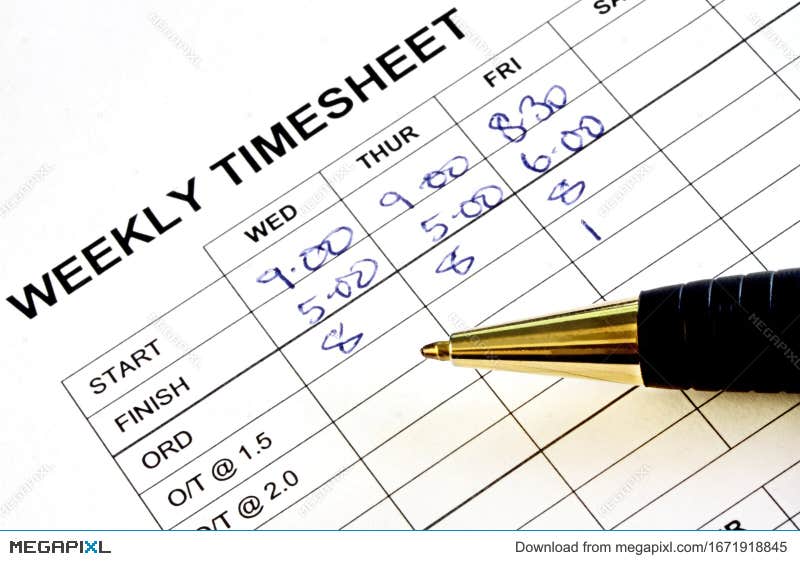
Accurate time records aren't just an operational nicety. Employers must keep records sufficient to show every worker has been paid at least the National Minimum Wage, under the National Minimum Wage Act 1998 and the National Minimum Wage Regulations 2015, and those records need to be kept for six years. If a worker asks to see them, or HMRC does, "the app wouldn't connect so the manager typed it in from memory" is a weak position.
The Working Time Regulations 1998 add their own requirements around the 48-hour average weekly limit, night work and rest breaks, and Acas sets out the working time rules in plain English if you want a refresher. In hospitality, where split shifts and doubles are normal, you can't evidence any of that without reliable start and finish times. A staff clocking in app offline that quietly drops 44% of shifts leaves you evidencing nothing.
One more point on rounding. If your system rounds clock-ins to the nearest quarter of an hour, make sure the rounding is applied to the event time and not the sync time. Rounding a 16:58 tap that arrived at 19:22 up to 19:30 is not a rounding rule, it's an underpayment. This is general guidance, not legal advice.
Common questions
Does offline clocking in let staff fake their hours?
Less than you'd think, provided the server checks the device clock offset at sync and stores both the tap time and the arrival time. Any record where the device time drifted from server time gets flagged for approval before payroll. Pin GPS or a site code to the record as well if you want a second check on location.
How long should an offline time clock hold records before syncing?
Indefinitely, in practice. The queue should survive app restarts, phone reboots and days without a connection, and it should still upload the original tap times when it finally gets through. A sensible upper limit is to flag anything arriving more than 48 hours after the event so a manager looks at it rather than approving it blind.
Should we use personal phones or a wall-mounted tablet?
Both work. Personal phones travel with the person, so they're more likely to hit a signal at some point during the shift, which means faster syncing. A shared tablet is fairer if some of the team don't want work apps on their own devices, but it must sit somewhere people actually pass on the way in, and it needs the same offline queue.
What do I do about the clock-ins with no clock-out?
Set a rule and apply it consistently. Any shift still open twelve hours after the rostered finish gets closed to the rostered end time, flagged as manager-adjusted, and confirmed with the person on their next shift. Never leave them open, because an unpaired clock-in either inflates hours or vanishes from the pay run.
Will it still work if the pub wifi goes down completely?
Yes, that's the whole point of recording at the tap. Staff clock in no signal conditions are handled the same way whether the failure is a dead zone, a router reboot or a broadband outage. The records queue up and land when connectivity returns, with the original times intact.
How do I explain the change to the team without it sounding like surveillance?
Frame it as getting paid correctly. Most staff have been short-paid at some point because a clock-in didn't register and someone reconstructed the shift from memory. Tell them the app now remembers the tap even with no bars, so their actual start and finish times are what reach payroll.
How quickly should the missing clock-in rate fall?
Expect most of the drop inside two or three weeks, because the technical cause disappears the moment offline recording is live. The tail takes longer, since it's habit-based: people who stopped tapping because it never used to work need a few reminders before they trust it again.
If you're currently rebuilding timesheets from memory every Monday because your clock-in app gives up underground, that's a fixable problem and you don't need to change how the team works to fix it. Start a free RotaKeep trial and see what your real clock-in rate looks like when the app records at the tap and syncs later, with every late sync flagged and timestamped instead of landing on your desk as a blank.
Ready to simplify your rota? Try RotaKeep free for your first month.
Get started free →